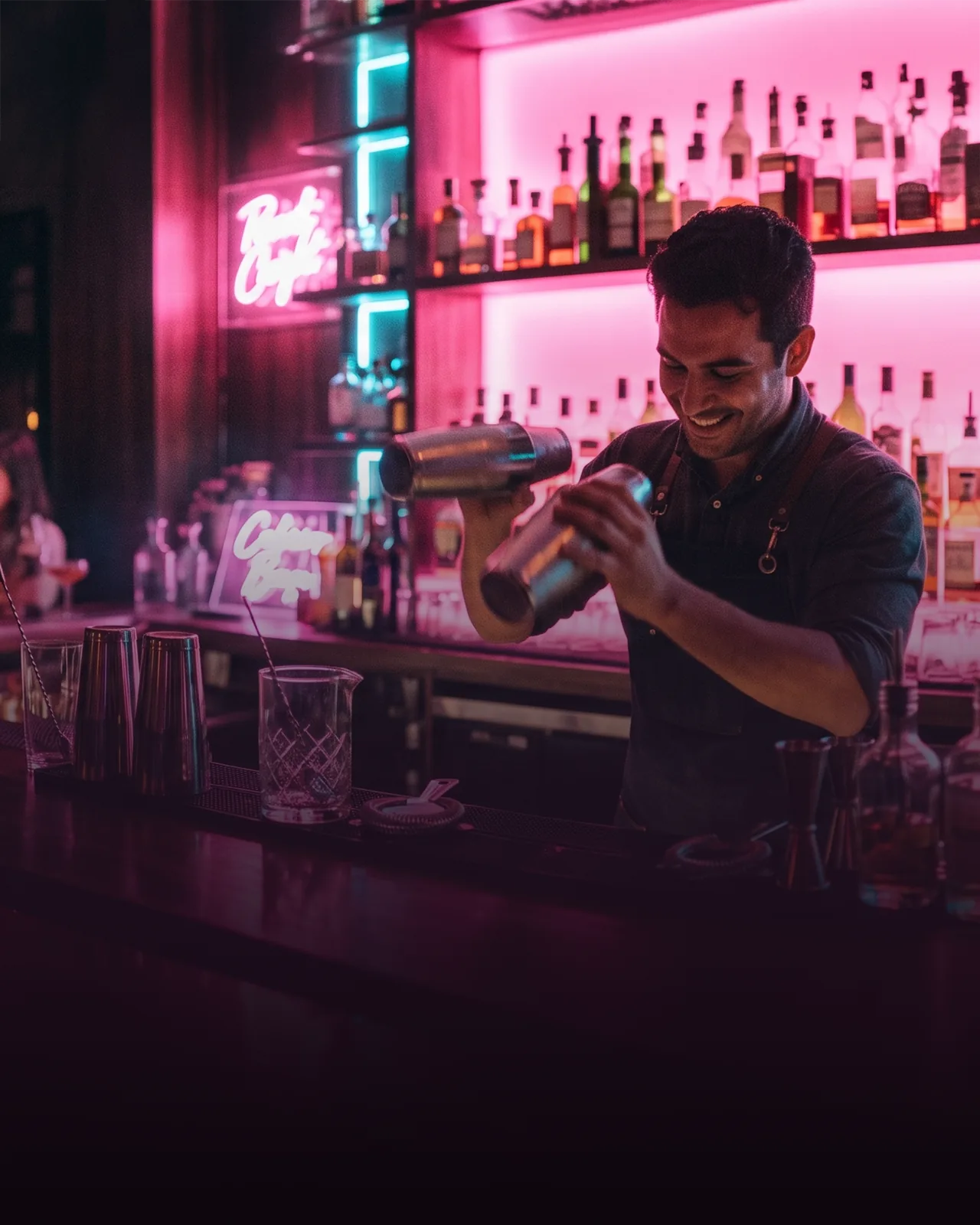


An interactive bar counter projects animated, touch-reactive visuals onto the bar top, turning the surface where guests order into something they photograph. Here is what it is, how the projection works, whether it pays off, and what to check before buying.
The bar top is the most-looked-at surface in the room and usually the most wasted — a slab everyone leans on and no one remembers. An interactive bar counter turns that surface into a moving display: projected visuals that shift, react to a hand or a glass, and can carry your logo one night and a club theme the next. It is less a piece of bar equipment and more a marketing surface that happens to be where people already stand. This guide covers what the device actually is, how the projection works, whether it earns back a real spend, and what to check before buying one.
What is an interactive bar counter, and how does it work?
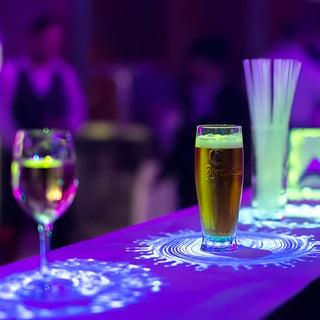
An interactive bar counter is a projection system that throws animated visuals onto the bar top and reacts to touch and movement, so the surface responds as guests lean in, gesture, or set a glass down. The image is fully customizable — a logo, a seasonal theme, a drink menu, or a one-night event look — and you switch it whenever you want a different mood.
The projection itself is built for a working bar rather than a demo. It runs at 1024x768 resolution so the image stays clear across the whole counter, and the brightness is selectable from 2700 to 5200 lumens, which is what lets the visuals read in a dim lounge or hold up in a brighter room. It can be set up as front or rear projection depending on how the counter is built and mounted. The unit is compact — the projector body is roughly 38 by 45 cm — and the setup is meant for the knocks, spills, and long hours a bar puts on everything.
Who is it for?
An interactive bar counter fits venues where the experience is part of what guests pay for, not just the drink. Cocktail bars and nightclubs use it to make the bar itself the visual centerpiece — the thing people film and post. Hotel lobbies and lounges use it to look current and give guests something to notice on the way past. Event spaces use the switchable visuals to rebrand the same bar for a wedding, a corporate night, or a product launch without touching the build.
It earns least in a quiet neighborhood pub or a fast, casual spot where guests come for a quick drink and the light show is beside the point. Match it to rooms where atmosphere sells — where guests linger, photograph the space, and choose the venue partly for how it feels.
Interactive bar counter vs a screen or a static bar top
The honest comparison is against the two things it replaces: a plain bar top that shows nothing, and a screen or menu board that shows content but sits apart from where guests actually stand. Here is how they line up:
| Static bar top | Wall screen / menu board | Interactive bar counter | |
|---|---|---|---|
| What it shows | Nothing | Fixed content on a screen | Animated visuals on the bar surface |
| Reacts to guests | No | No | Yes — to touch and movement |
| Customizable | No | Some | Fully — logo, theme, menu, event |
| Where attention goes | Nowhere | Away from the bar | The bar itself |
| Best for | Any venue | Info and specials | Cocktail bars, clubs, hotels, events |
A screen shows content but pulls the eye off the bar; a static counter keeps the eye there but shows nothing. The interactive counter is the one that puts moving, on-brand content exactly where guests are already looking.
Does an interactive bar counter pay off?
At $5,200 an interactive bar counter is a marketing and experience investment, not a labor-saving one, so it pays back differently from most bar equipment. Three ways it earns: it draws attention and shares, since a reactive, animated bar top is the kind of thing guests film and post, which is free reach for the venue; it lifts dwell and spend, because people linger where the space is engaging, and a longer stay tends to mean another round; and it is a switchable branding surface, so the same counter carries your logo on a normal night and a client's branding for a paid private event.
We will not pin a payback figure to that, because it depends on your covers, your prices, and how hard you lean on events. But the logic is straightforward: a venue that sells atmosphere and hosts private nights recovers a spend like this faster than a quiet bar that trades on drinks alone. If the room is the product, the counter is working every hour it is on.
What to look for when buying one
A few practical checks decide whether the counter looks sharp or washed out in your room:
- Brightness for your lighting. The selectable 2700–5200 lumens is the spec that matters most: lower for a dim lounge, higher for a brighter room. Match it to how lit your space actually is, or the visuals fade.
- Front or rear projection. How the counter is built decides which fits — rear projection for a purpose-built surface, front for retrofitting an existing bar. Sort this before the counter is made.
- Counter size and resolution. The 1024x768 projection keeps images clear across the surface; confirm the coverage against your actual counter length so the image fills it.
- The content plan. The hardware is only half of it — budget for the visuals themselves, since a custom animation is what makes it yours rather than a generic loop.
Tell us your counter size and how lit the room is, and the brightness and projection setup can be matched to it rather than guessed.
Want the full spec and setup for your space? Send us your counter size and lighting, and whether you want it for a permanent bar or switchable event branding — and we will confirm the brightness, resolution, and projection that fit.


